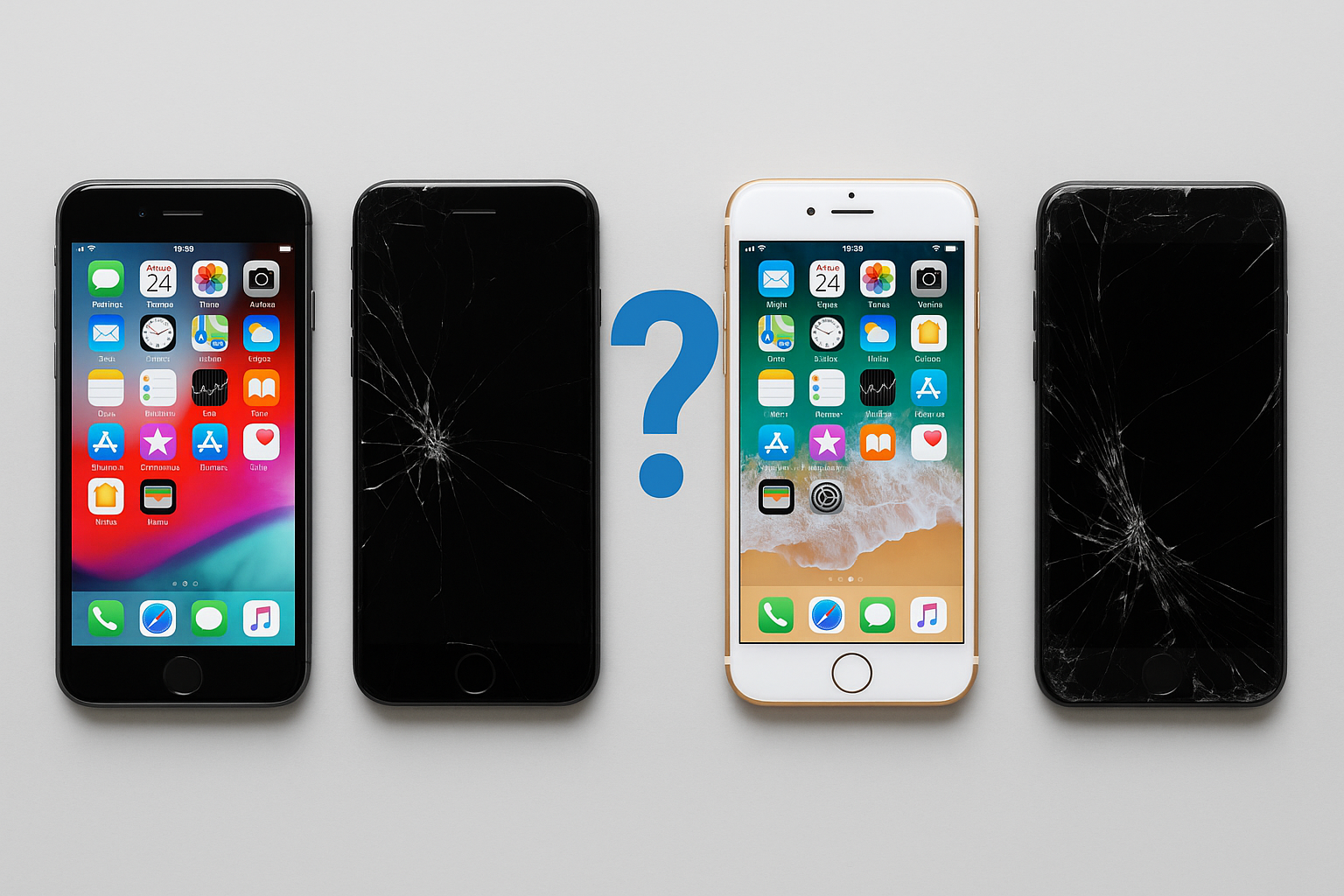

If your phone turns on normally and you can open Settings, do NOT use Recovery Mode. Please stop at step 1.
Step 1 (Recommended): Reset from Settings
Use this method if the phone is working normally
This is the correct and safest way to reset an Android phone.
Why this method is best
-
✔️ Erases all personal data
-
✔️ Properly removes your Google account
-
✔️ Prevents Google lock (FRP)
-
✔️ Safe for selling or returning the phone
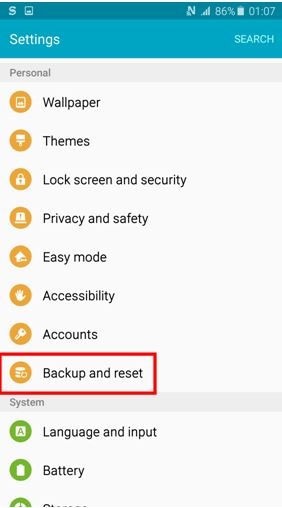
How to do it
-
Open Settings
-
Tap System (or Accounts & backup on Samsung)
-
Tap Reset
-
Select Erase all data (factory reset)
-
Tap Continue / Erase

👉 For most people, this is the only step you need.
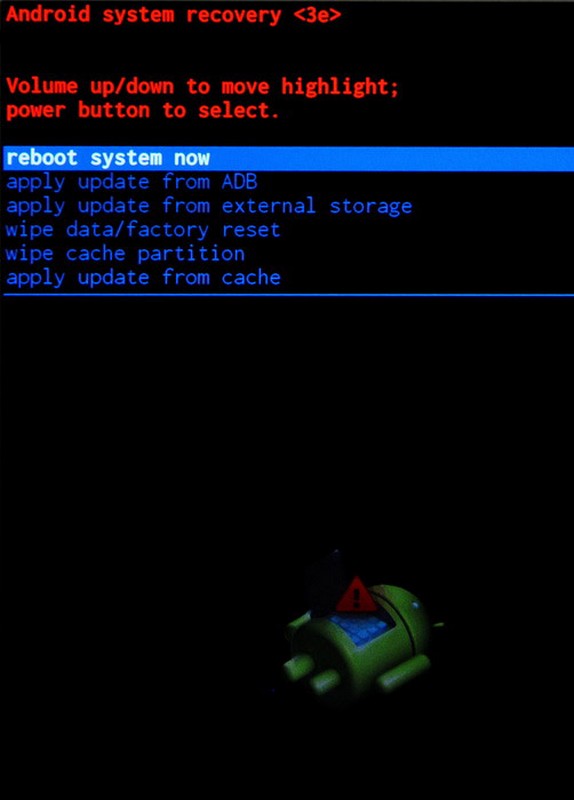
⚠️ Step 2 (Do NOT use unless necessary): Recovery Mode
Only use this if you cannot access Settings
When this is needed
Use Recovery Mode only if:
-
Phone won’t turn on properly
-
Screen is frozen or unusable
-
Touch does not work
-
You cannot open Settings at all
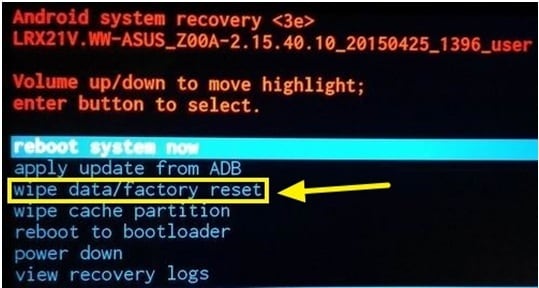
Important warning (please read)
⚠️ Resetting via Recovery Mode may NOT remove the Google account.
This can cause Google lock (FRP) and prevent the next user from setting up the phone.